AI tools have made it easier to produce convincing videos of a person who never made them. This article explains how YouTube’s likeness detection tool is designed to help, what the platform’s help pages say about setting it up and reviewing matches, and where its limits lie. It describes YouTube’s own published guidance as of 5 November 2026; other platforms have different tools, and availability varies by country.
What is YouTube’s likeness detection?
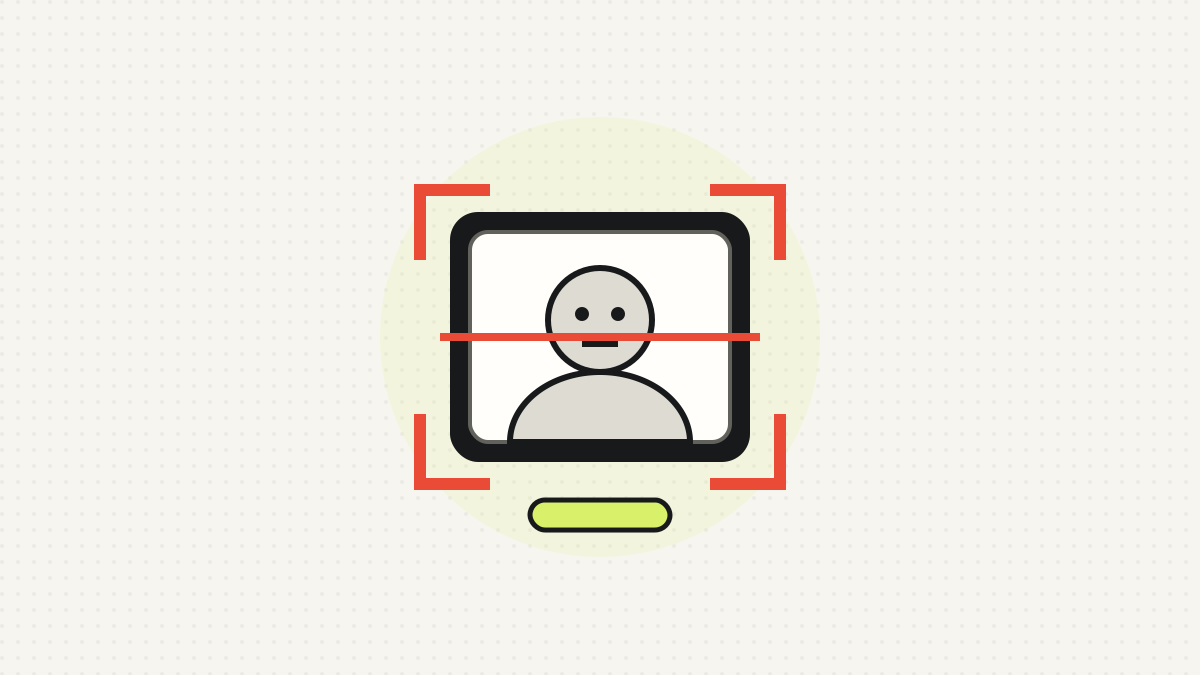
According to YouTube Help, likeness detection helps creators find videos on YouTube where their face appears to be altered or generated by AI. Creators can then review the matches and request removal through YouTube’s privacy complaint process.
YouTube describes the technology as working similarly to Content ID, its copyright matching system, but for faces rather than copyrighted material. Its help page says the system runs a one-time scan of newly uploaded videos. For how Content ID itself works, see Content ID, claims and strikes explained.
The help page also states that likeness detection is “currently an experimental feature and isn’t available in some countries”. Readers should therefore check whether it appears in their own YouTube Studio.
Who can use it, and how has access widened?
YouTube’s blog describes a staged rollout. The tool was first launched for creators in the YouTube Partner Programme. In a post dated 10 March 2026, YouTube said it was expanding likeness detection to a pilot group of government officials, journalists and political candidates, and planned to widen access over the coming months. In a post dated 21 April 2026, it said the technology was being extended to talent agencies, management companies and the celebrities and entertainers they represent, whether or not those people have a YouTube channel.
The help page sets out the following requirements for setting the tool up:
- The person must be over 18.
- The person must be a Channel Owner or Manager.
- The person must provide a government-issued ID and a short selfie video.
Channel Owners, Managers, Editors and Editors (limited) can then review matches and report privacy violations for an enrolled Owner or Manager. This matters for teams; for an overview of the roles that often surround a creator, see who works behind a creator.
How do creators set it up?
YouTube’s help page describes four steps, done in YouTube Studio on a computer:
- Go to Content detection, then Likeness, then Start now.
- Agree to the use of biometric technology to search for the person’s likeness.
- Complete Google identity verification with an ID and a selfie video. The page asks for a clear picture of an official government-issued ID.
- Repeat the process for each person on camera who wants to enrol.
According to the page, verification may take up to five days, and a confirmation email is sent when it is complete. The selfie video also serves as the face reference for detection.
Why shared accounts can cause trouble
The help page’s troubleshooting section says shared team accounts can cause verification failures. Its suggested fix is to add each person’s own Google Account as a Manager, have each person enrol separately, and make sure the payments profile name matches the government ID.
What happens when a match is found?
Matches appear in YouTube Studio under Content detection, then Likeness, then For review. Reviewers can filter by total views for videos or by subscribers for channels, then select Review to see the details. YouTube lists three actions:
| Action | When YouTube says to use it |
|---|---|
| Likeness removal request | The video is believed to violate YouTube’s privacy policy; it goes through the privacy complaint process |
| Copyright removal request | The person’s original copyrighted content was used without permission |
| Move to archive | Takes the video off the review list while it stays live; a privacy complaint can be started later from the Archived tab |
YouTube emails the requester about the outcome, and a request can be retracted using the link in the confirmation email.
Does a match guarantee that a video comes down?
No. YouTube’s March 2026 post says plainly that “detection does not guarantee removal”. The post and the help page both say YouTube considers factors such as whether content is parody or satire, and the post says the platform aims to protect free expression and public-interest content, including parody and satire that criticise influential figures. Content may also be removed for other policy reasons.
The help page adds a further limit: a match may be genuine footage of the enrolled person rather than altered content. Such footage cannot be removed under the privacy policy, although a copyright removal request may be possible, and YouTube advises considering fair use and similar exceptions first. A match, in other words, is a prompt to review rather than a verdict.
Lack of matches is not necessarily a problem either. According to the help page, seeing no detected videos is normal if no unauthorised content has been uploaded, and missed videos can still be reported through the privacy complaint process.
What about voices, and what is a likeness claim?
At present the tool detects faces only. The help page says YouTube is “working to extend likeness detection to audio in 2026”, and that voice-related content can currently be reported through the privacy complaint process.
A separate system, likeness claims, applies when a video contains altered or AI-generated content matching a person’s face or voice. According to YouTube Help:
- Claims can be made by the affected person or someone authorised to act for them.
- A claimant may block a video, meaning it will not be viewable on YouTube.
- Claims apply to uploaded content on any privacy setting.
- Likeness claims affect videos but do not affect the channel or account.
- A video can be disputed, but a dispute needs a valid reason, such as explicit permission from the individual.
Disputing without a valid reason may lead the claimant to file a privacy complaint, and a video that attracts a valid complaint may be removed. YouTube says removal through a privacy complaint does not cause a strike, but repeated or malicious abuse of the dispute process can result in penalties against a video or channel. For creators on the receiving end, the practical point is that labelling a video as AI-generated does not excuse using someone’s likeness without permission. For how YouTube and Meta label synthetic content, see how YouTube and Meta label AI-generated content.
How does YouTube’s impersonation policy fit in?
Likeness tools sit alongside the platform’s existing rules. YouTube’s impersonation policy bans unauthorised impersonation of a person, entity or channel that may mislead viewers, and says this includes using AI to copy the voice or likeness of an individual. The policy gives examples of prohibited content, including:
- Using someone’s AI-generated likeness or voice to falsely imply they own or authorise a channel’s content.
- Using an AI version of someone’s voice, with false metadata, to pass off a fake speech as real.
- Adding “Real” or “Official” to a channel name to pose as another creator’s authentic channel.
- Using near-identical names or handles, including deceptive misspellings.
The policy states that disclosure of AI use “is not a free pass to impersonate a person, entity, or channel”. Fan channels must make clear in their name or handle that they are not the original creator. Channels set up to impersonate may be removed.
What happens to the data a creator provides?
Because the tool relies on biometric information, the data handling is worth reading closely. According to the help page:
- YouTube stores a unique identifier, the selfie video, the person’s full legal name and a likeness template.
- This data is kept for up to three years from the last time the person signed in to YouTube, unless they withdraw consent or delete their account.
- Turning the feature off deletes the information from YouTube’s systems, while ID information is kept in the person’s Payments Profile, which they can access and delete.
- Faces of people who are not enrolled are discarded immediately after the scan, and data about them is not stored.
- The person’s full legal name appears next to matching videos for authorised channel users, and a screenshot from the selfie video may be shown to the review team if a removal request is filed.
- Using face and voice templates to improve detection models is optional and can be revoked in Manage likeness detection.
YouTube states the data is not used to train Google’s generative AI models without consent. To stop, the help page says to go to Content detection, then Likeness, then Manage likeness detection, then Stop finding matches. Matching can take up to 24 hours to stop, and the list of detected videos can no longer be viewed afterwards.
UK readers may also want to know their statutory rights over personal data, which are covered in UK data rights explained. That is separate from YouTube’s own settings.
Conclusion: a detection aid, not a guarantee
As of 5 November 2026, YouTube’s published position is that likeness detection is an experimental, face-only matching aid that is open to verified adults with the right channel permissions, with wider pilots for public figures and the entertainment industry. It finds possible matches; people still decide what to report, and YouTube still weighs each request against its policies, including exceptions for parody and satire. Creators weighing enrolment may wish to read the data-retention terms and the team-account guidance first, since both affect how smoothly it works in practice.
This article is general information based on published YouTube guidance, not advice. Platform rules, tools and availability change, so check the current help pages.
Sources: YouTube Help (Likeness detection on YouTube); YouTube Help (Learn about likeness claims); YouTube Help (Impersonation policy); YouTube Blog (Expanding likeness detection to civic leaders and journalists); YouTube Blog (Expanding likeness detection to the entertainment industry)